
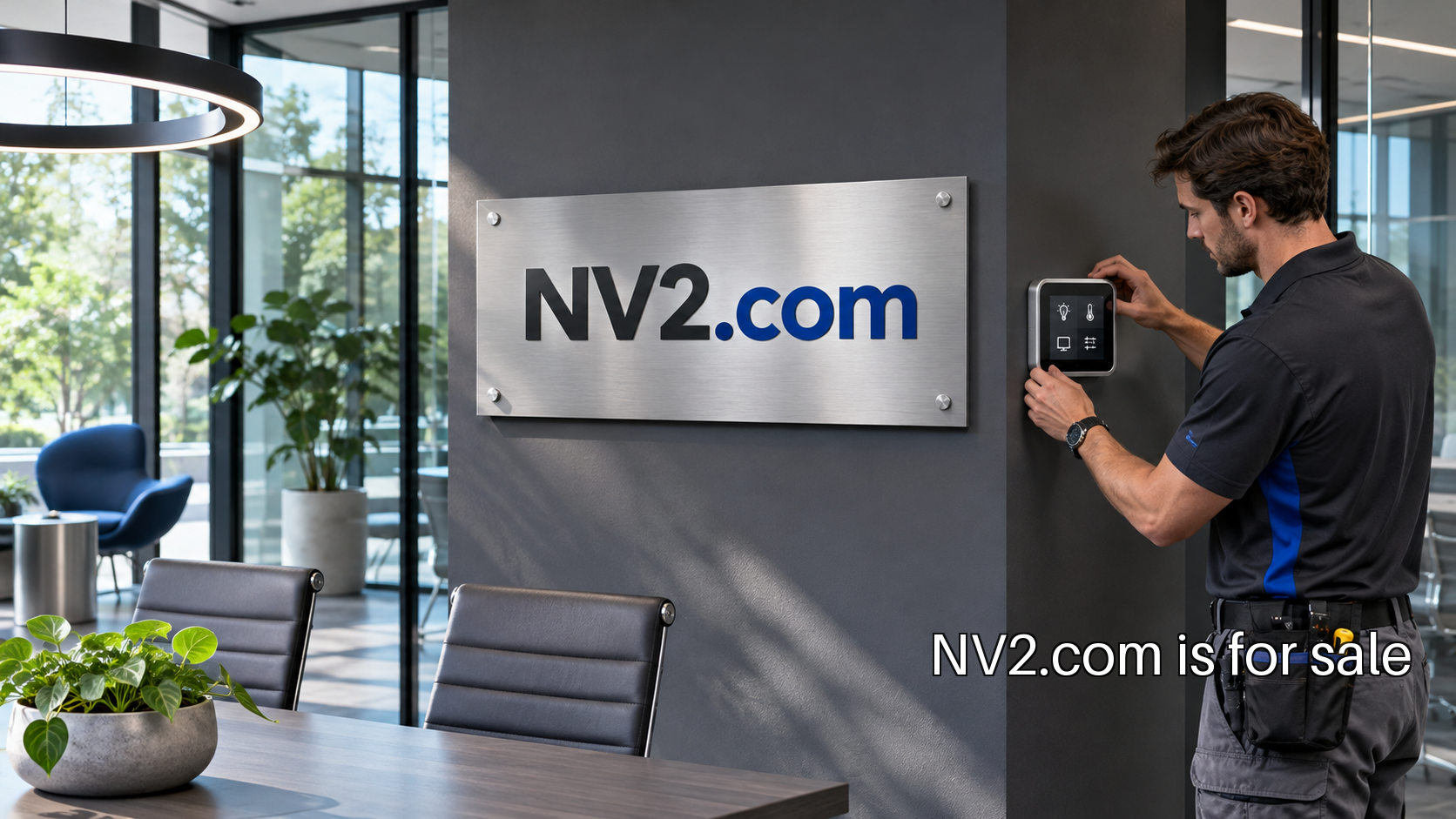
A connected workspace company could bring room equipment and its supporting software under one identity. The first product might control a shared meeting room, show availability at the door or help an operations team understand whether a device needs attention. The opportunity starts with a complete installation journey. NV2 could appear on the device, the administration screen and the support conversation for that same system.
Choose one room and one operating job
A broad vision for connected offices can hide a difficult first installation. Begin with a room type and a specific task. A meeting room status device, for example, might show whether a booking is current and let the facilities team check that the display is functioning. The first version needs a clear relationship with the booking source and a clear owner when the information is wrong.
Visit the setting where the device will be installed. Identify the available power, the mounting surface, the network restrictions and the people who can approve a change. A founder can learn as much from the route to an approved installation as from the device concept itself. The product needs to fit the building’s operating routine before it can become a repeatable offer.
Design the first hour of ownership
Map the journey from opening the package to seeing useful information on the display. Who receives the device? Who is allowed to connect it? How do they identify the correct room? What confirms that the installation succeeded? These questions connect packaging, hardware, software and support. A single company identity makes it easier to keep that experience coherent across the pieces.
Create a fresh installation test with someone who did not build the prototype. Give them the actual instructions and observe what they try. Record where they hesitate, what information they seek and when they ask for help. A good first trial covers the normal route and one recovery route, such as entering an incorrect network detail or assigning the device to the wrong room.
Establish device identity and control
An installer needs a way to identify a physical device and find its matching software record. The NIST device capability catalog includes identification, authorized configuration and data protection among its technical capabilities. Use those categories as questions for the engineering plan, with implementation reviewed by the relevant specialists. The first product needs an explicit answer for each part of its lifecycle.
Decide who can claim a device, change its settings and transfer it to another room. Avoid relying on a shared account that nobody owns. Give the workspace administrator a clear view of the installed inventory, including which device belongs to which location and who is responsible for it. The physical label and the software identifier should help the support team discuss the same unit.
Make failure understandable
A screen that stops updating creates uncertainty: is the room free, is the booking system unavailable or has the device lost its connection? Design a state that communicates stale information clearly. Decide what the device can do locally and what requires an online service. The facilities team should have a practical way to distinguish a temporary interruption from an installation problem.
Test with realistic disruptions. Disconnect the network, restart the device and change a room assignment. Ask what the administrator sees and what the person outside the room sees. Keep an incident record that can help support investigate without exposing unnecessary personal information. These tests turn an attractive demonstration into a product that a building team can take responsibility for.
Price the installation as well as the device
The company’s costs extend beyond manufacturing a unit. There may be shipping, mounting hardware, installation assistance, account setup, updates and replacement handling. Build a simple operating model for a small deployment. Record the time needed at each step and identify which tasks the customer can complete with instructions. That model helps the founder choose a supportable initial offer.
A first commercial arrangement could separate the device from ongoing software access, or package them together with a clearly defined service boundary. Investigate the customer’s purchasing process before choosing. Facilities, IT and the room’s daily users may have different responsibilities. Name the buyer, the installer and the administrator so the proposal can reach the people who need to approve it.
Keep the retirement path visible
The end of ownership deserves the same attention as onboarding. A device may be reassigned, replaced, returned or removed when a location closes. Specify how access is revoked, how stored information is removed and how the customer identifies equipment that still belongs to the organization. Include those steps in the product documentation and support process.
This also informs the physical design. A readable identifier and accessible reset process can make a replacement easier to manage. A device that fits neatly into a room but cannot be maintained creates extra operating work. Prototype those moments early, when changes are still straightforward and the team can see the whole ownership cycle together.
Test the journey before expanding the range
The contextual research guide offers a useful basis for observing work in its normal environment. Apply that approach to one room installation, from approval through daily use and support. Ask the administrator to repeat the process with a second unit using only the material provided. The gaps in that exercise become the next engineering and documentation tasks.
The immediate next step is a complete installation rehearsal with a prospective customer, rather than a larger device catalog. Establish the path from package to working room, the failure states and the person responsible for each step. A founder can then put NV2 on a connected workspace system whose hardware and software are introduced as one considered product.